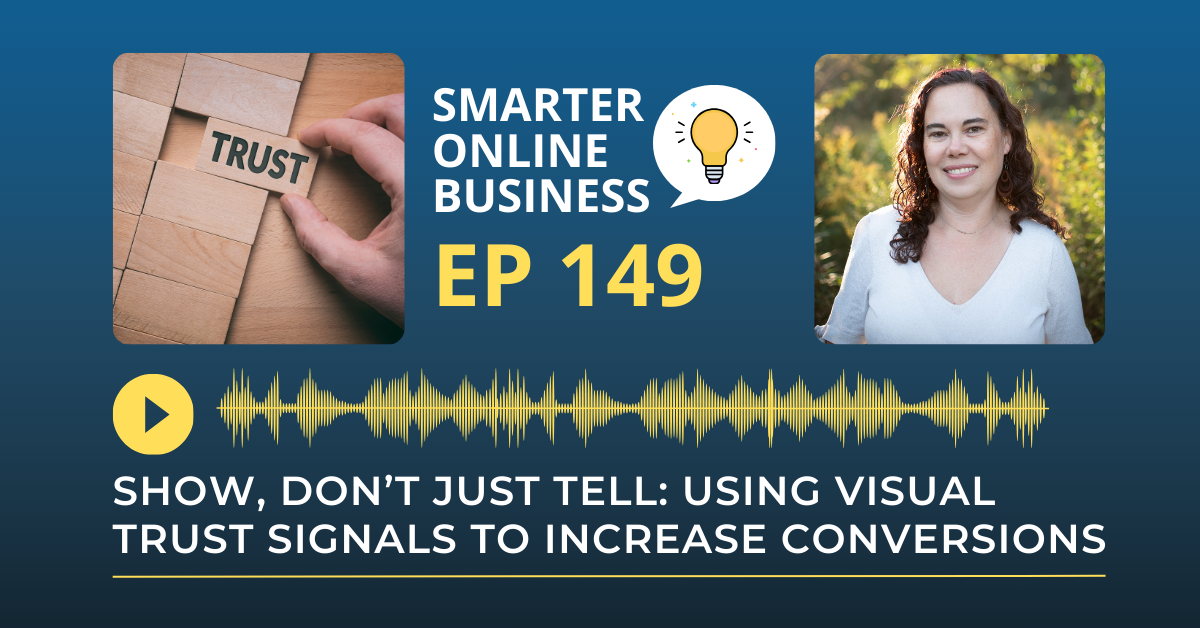
You can tell people you’re trustworthy.
You can say you’re experienced.
You can list your credentials.
But online?
Words alone aren’t enough.
If your website doesn’t visually reinforce trust, visitors hesitate. And hesitation kills conversions.
In this episode, we’re talking about how to use visual trust signals to increase conversions without rewriting your entire website.
Let’s Recap: Using Visual Trust Signals to Increase Conversions
Why Trust Drives Conversions Online
Trust drives conversions online because it reduces perceived risk at the exact moment a visitor weighs action against doubt. When someone lands on a sales page or a course checkout, they silently ask four questions:
- Is this legitimate?
- Is this safe?
- Is this for someone like me?
- Will this actually work?
Copy can address these fears, but visual trust signals answer them faster and with less cognitive load. Humans process imagery before words, and we respond to cues that feel familiar, social, and safe. A site that shows credibility with a clean, consistent design and authentic proof often outperforms a site that tells with long paragraphs and clever taglines.
When your site looks real and relatable, hesitation drops and clicks rise.
What Visual Trust Signals Are
Visual trust signals are simple, recognizable elements that communicate credibility without explanation.
Client logos are shorthand for social proof because brand marks are quickly identified as validation. Testimonials with real photos work even better, transforming abstract praise into relatable stories. Screenshots of dashboards, student results, or before-and-after metrics make impact concrete.
Other powerful trust cues include:
- Press mentions
- Certifications
- Security badges
- Team photos
- A clear founder headshot
Each element nudges visitors toward a yes by proving three important things: others have vetted you, you are who you say you are, and results are possible for people like them.
Where to Place Trust Signals on Your Website
Placement matters just as much as the signals themselves.
Add a trust cue above the fold so visitors feel grounded within seconds. Cluster proof near primary calls to action, especially for high-ticket offers or demo bookings, to counter last-minute doubt.
Here are a few strategic placement ideas:
- Near primary CTAs: Reinforces confidence before visitors click
- Before pricing sections: Softens sticker shock
- On checkout pages: Helps prevent cart abandonment
- On the About page: Builds connection with real faces and credentials
On longer sales pages, thread trust signals throughout the narrative and include a strong proof element right before each ask. Think of trust as the safety net that appears exactly where the drop feels steepest.
Common Trust-Killing Mistakes
Some design choices quietly erode credibility.
Avoid burying testimonials on distant subpages or filling your homepage with faceless stock imagery. Generic stock photos or AI-generated headshots in testimonials break the social contract and trigger skepticism.
Other common mistakes include:
- Listing credentials without explaining what they mean
- Using fake countdown timers or artificial urgency
- Showing aggressive pop-ups before value is established
One of the most overlooked trust signals is simply your face. People buy from people. A professional founder headshot communicates accountability, confidence, and openness more effectively than any logo refresh.
The Psychology Behind Trust Signals
These cues work because they tap into how our brains process safety and social validation.
Faces convey intent and familiarity, which lowers our threat detection and helps build rapport. Reviews and results demonstrate that others have taken the risk and been rewarded. Clean, consistent design reduces cognitive load so visitors can focus on making decisions rather than deciphering the layout.
When mental friction decreases, more people take the next step. They subscribe, schedule, or purchase. The website begins to function like a trustworthy, eye-contact conversation that reassures and guides.
Run a Quick Trust Audit on Your Website
Take a moment to evaluate your homepage with fresh eyes and ask:
- Can visitors see who is behind the business within seconds?
- Is there visible proof that people like them achieved results?
- Do trust cues appear right before your major calls to action and pricing?
- Would you buy from this site if you didn’t already know the business?
If any answer feels uncertain, start with a few simple upgrades:
- Add a founder photo above the fold
- Place three testimonial snippets with photos near your primary button
- Include a recognizable logo or certification before your pricing section
Small visual upgrades placed strategically can transform hesitation into momentum and help turn your website into your smartest sales tool.
Rate, Review, & Follow on Apple Podcasts
If you’re loving my eCommerce Made Easy Podcast, I’d be thrilled if you could rate and review the show on Apple Podcasts. Your ratings and reviews help me reach more listeners and empower more people like you to thrive in the online business world.
Just click here to head over to Apple Podcasts, scroll down, give us a five-star rating, and share what you enjoyed most about the episode in the “Write a Review” section.
If you haven’t hit that follow button yet, now’s the perfect time! I have new episodes coming your way every week that you won’t want to miss. Hit the follow button and stay up to date with the eCommerce Made Easy Podcast! Follow Now!
What a ‘Smart Sales Tool’ Website Actually Looks Like